


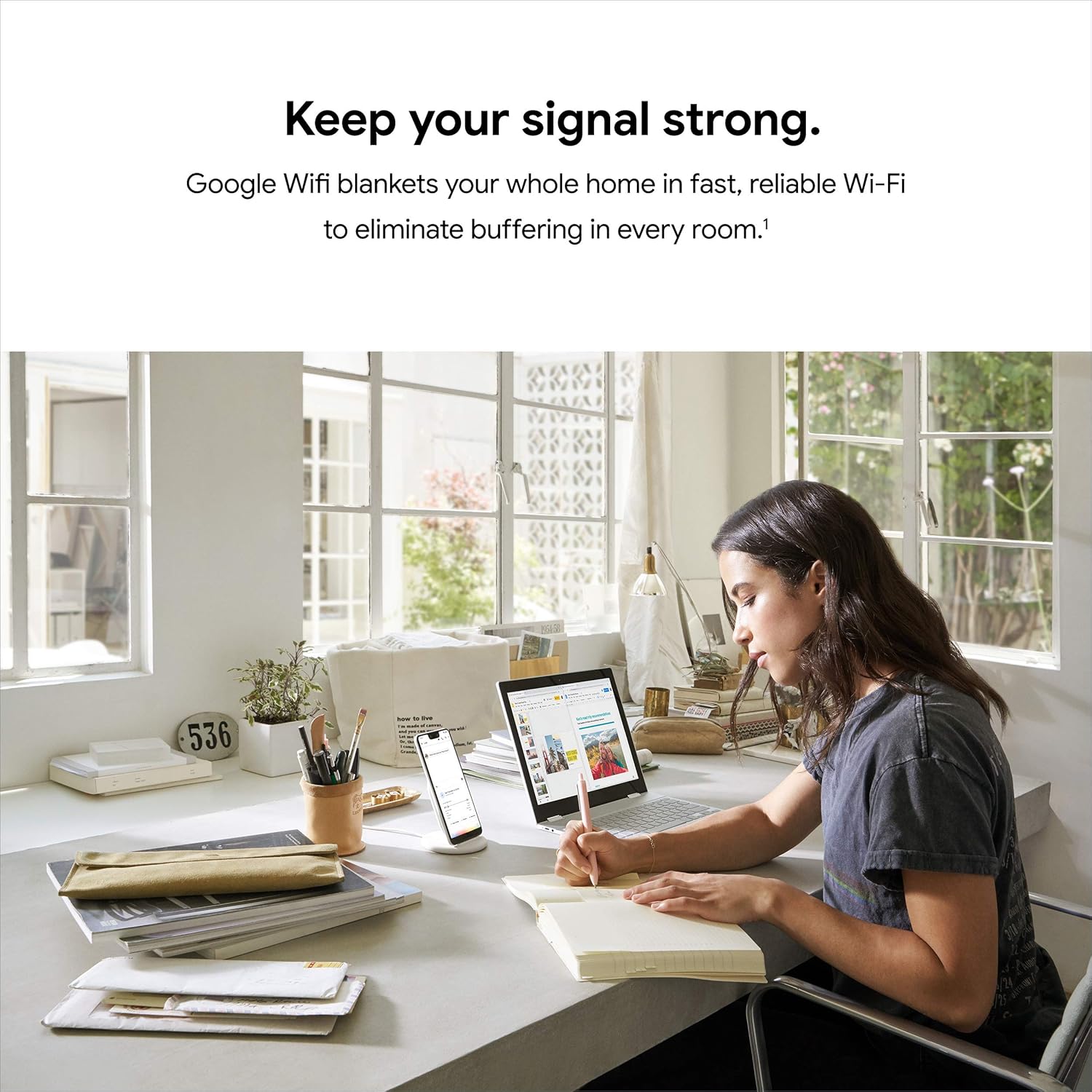

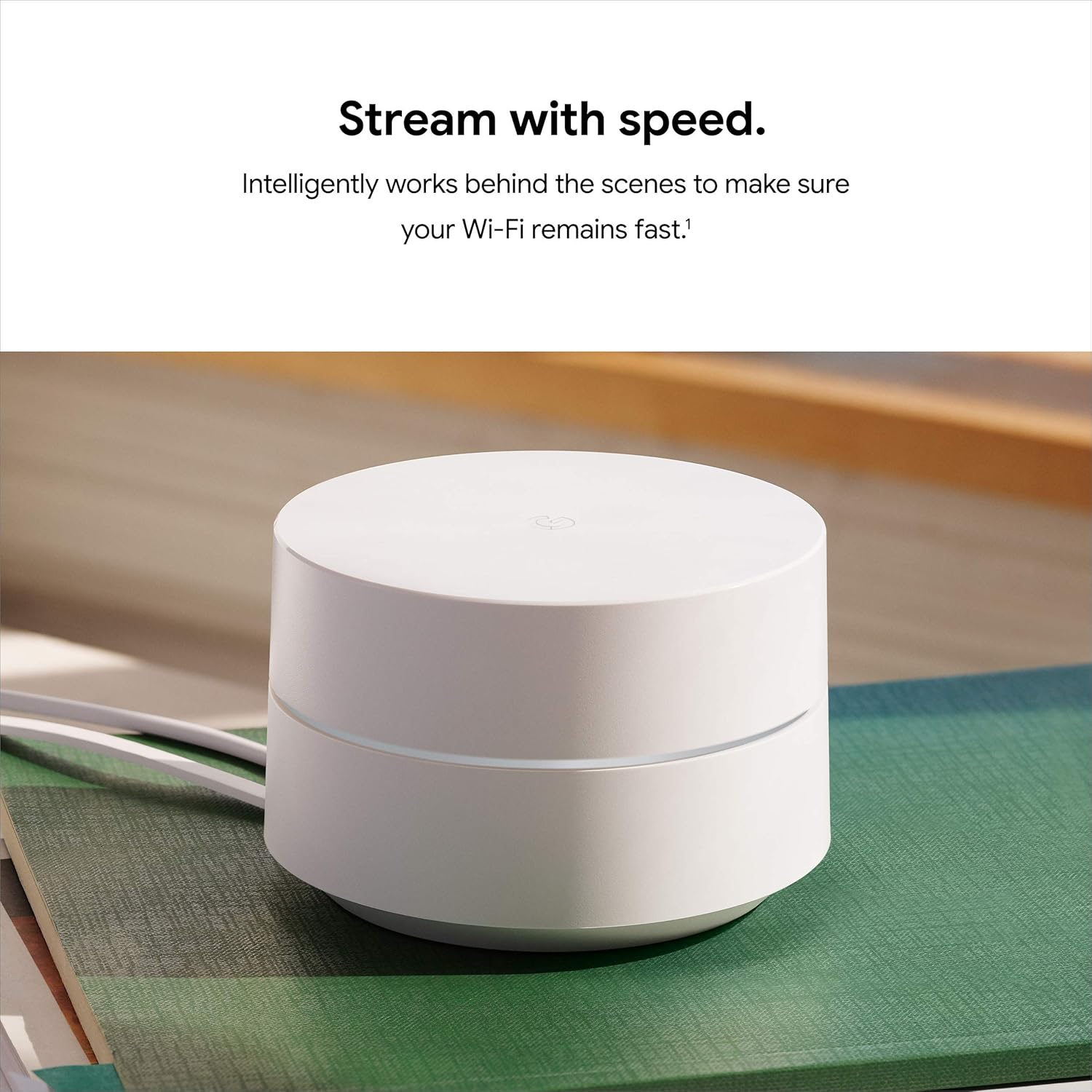


This Google Product features the Google Seal for Online Marketplace when purchased from a seller other than Amazon.com. Google Wifi is an easy-to-set-up whole-home mesh Wi-Fi system. Google Wifi points work together to create a mesh network that blankets your whole home in fast, reliable Wi-Fi and eliminates buffering in every room, on every device – with coverage up to 4500 square feet. [1] It’s Wi-Fi that just works. [2] Home size, materials, and layout can affect how Wi-Fi signal travels. Larger homes or homes with thicker walls or long, narrow layouts may need extra Wifi points for full coverage. Strength and speed of signal will depend on your internet provider. [3] Minimum OS requirements are available at g.co/googlewifi/req. [4] Controlling certain devices and features in your home requires a compatible smart device.
This Certified Refurbished product is manufacturer refurbished, shows limited or no wear, and includes all original accessories plus a 90-day limited hardware warranty.
-86%





Sam –
Solid Mesh Wi-Fi System with Great Coverage—Just Make Sure You Have the Right Setup
I’ve been using the Google Wifi AC1200 mesh system (3-pack), and it’s been a really solid upgrade for my home. The coverage is excellent—rooms that used to have weak or spotty Wi-Fi now have a strong, reliable signal. Setup was simple and fast, and the app walks you through everything in a way that makes it almost impossible to mess up.One thing I learned pretty quickly, though, is that you need the right router or modem setup for this system to work the way it’s supposed to. If your existing hardware is old or not compatible, you won’t get the full benefit. Once I paired it with the right setup, everything ran smoothly.The mesh network keeps devices connected automatically as I move through the house, and speeds stay consistent without random drops. For everyday streaming, working from home, and general use, it works great.Overall, I’d put this at about a 4.5 out of 5. It’s reliable, covers a big area, and is easy to use—you just have to make sure your router situation is correct before expecting perfect results.
Judy L. –
As an IT professional for over 40 years, I have to say I am impressed.
I had been an IT professional for over 40 years, and am now retired, but remain the IT professional for my household. In that time, I have had to set up many different routers to provide internet service for my home with multiple Alexa devices, Internet TV, and multiple PC’s often running at the same time.We have a large, 4500+ square ft., home with two stories and a basement. Our basement has 3 large rooms with concrete walls that have caused dead spots in most parts of the basement. Internet on the second floor works, but devices often need to be reconnect to establish a new connection. I have tried multiple internet extenders and access points that usually worked sporadically. Having to constantly reconnect them and reestablish a connect was frustrating, and I finally gave up on them.I found out about the Google Mesh WIFI system and decided to look into them. I debated on the higher priced system that units include speakers and voice, but decided on this one since we have so many Alexa devices in our home. Another consideration was the cost of the upgraded system since 3 units costs 2 1/2 times more than this one. If you have a number of Google devices it may be worth the extra cost. All I wanted was a dependable WIFI system that would deliver WIFI to our entire house with no dead spots.I am so happy that I chose this WIFI system. After I downloaded and installed the Google Home app, it took me all of 15 minutes to set up the system, and at least 10 of those minutes was used to find the best locations for the satellite units. The app really does it all. There was no setup of the ISP – it was just so simple anyone could set up this system with absolutely no knowledge of setting up a router. You don’t have to fool with an internet connection to router software- it’s all in the app. Just connect one unit to the Ethernet cable you would connect to the router and scan the QR code on the unit with your phone. After the router unit is connected, plug in the satellite units to electricity and select + at the top left of the screen in the app to add each satellite. I did notice that I had to wait until the light on the new unit stopped blinking and it was finished booting up before connecting. After all of the units are connected, you can check the connections of each and move the units to get the best connections to all of them. Since the Google Home app is also used for the upgraded system, there are a lot of options that don’t apply to this system.At this point, I couldn’t be happier with this WIFI system. We now have fast internet in every corner of our house, including all of the rooms in the basement. I also tested the this system by taking one of my tablets out to the furthest end of our patio which is 60 feet from the router. I was still able to stream Netflix video with no lag. I should also mention that with this system and router, you don’t have a choice on the connections between 2.4 GHz and 5 GHz. The system automatically uses the 5 GHz connection unless the device is too far. Then it will automatically switch to the 2.4 GHz connection.Knowing this is helpful if you need to initially connect a device that uses only 2.4 GHz. You need only to get far enough way from the router for it to switch the the 2.4 GHZ band. After the initial connection, the device will automatically connect to the 2.4 GHz band. When connecting a computer, you don’t have to choose a band width, only your network name.I am super happy with this WIFI system, and would highly recommend it. For the first time in years, we have internet service in every area of our house and for an extended area outdoors. Setup was so incredibly easy – so much easier than setting up a router. In addition, the WIFI signal is much better than ever before when checking it with the internet speed tests. Although we have been paying for 10 mbps download, previous to getting this system, our speed was 4-5 mbps. Now, we consistently get 7-9 mbps according to the speed tests. We watch internet TV and no longer have times the programs buffer. In addition, the TV doesn’t cut out if we use the microwave. To-date, we have not had to restart any of the devices to get a WIFI signal on any of the 3 floors in our house.UPDATE 8/10/21:We have been using this system for over 2 months, and, to-date have not had to reboot any of the 3 modules. When watching TV (all internet apps), there has not been any buffering even when we use the microwave. The only minor problem I have had is in setting up a device that will connect only to a 2.4 GHz connection. Most peripherals now will use both 2.4 GHz and 5 GHz, so this usually isn’t a problem. I did manage to get this device connected using the method described above. At this point, I am thrilled with the performance of this system. Since I am the techy in my house, this means less trouble shooting and less problems for me.UPDATE 01/14/22:We have been using this WIFI system for about 8 months, and I can now say that it is the best we have ever had. I have tried all of the “high-end” routers, and have never had the great connection to WIFI throughout the house that we have now. Since getting this system, I have rebooted the main router only once. With all other routers we have had, it was a regular thing. We use only internet services for our TV, and since getting this system, there has been absolutely no buffering problems. The WIFI signal reaches every part of our 3 story house, and our devices have not had to be reconnected because of connection problems. There are enough problems in life to spend time trying to resolve WIFI connection problems. It’s so very nice to not have this problem anymore.I hope this review was helpful for you. I will update this review if my opinion changes.
GoCubs –
Setup Takes About Two Minutes
I don’t understand the complaints about setting up this mesh system. You plug the point in; wait 10-15 seconds until it starts flashing dark blue; open the Google Home app; scan the QR code on the bottom of the point; accept all permissions and that’s it, it takes about two minutes to connect. My home system works flawlessly, switches bands as needed based on distance and need of device connecting. With five points–downstairs, upstairs, back porch, and garage–I get about 300 Mbps download speed from each point, about the speed of the signal coming into the house to the router. Placement on a mesh system is important: each point needs to be as high as possible, such as a high shelf; remove all obstructions around the point, including books, speakers, or anything of size; put each point line of sight as much as possible, and if going through a wall try to pick the line that has the thinnest or least insulated portion of the wall. Then run the mesh test in the Google Wifi app to adjust position if needed; in the kitchen the top of the refrigerator works great. I’ve been very happy with this system for more than five years.
Amazon Customer –
Good enough, but could have been better
2 of 3 of the mesh systems works as intended after 3 years of continuous use, and were ease of set-up. Wi-fi is strong in areas that had been set-up, and area of coverage is well for a small household of two to three. The google home app makes it easy to see if there are any internet connectivity issues and works with Spectrum, which is great. Allows for option to kick people off the wi-fi and a guest network, if needed. I’d recommend this product to most of the general population who needs a trusted brand. Not many braincells required, but could allow for more advanced options for higher end users.1 of the wi-fi routers that were not set-up at initial purchase does not turn after being in storage. It would have been great to expand the coverage of the household further, but the 3rd item did not turn on after checking various power sources and outlets.
Luciano Magalhaes Tome –
Recomendo! Aumentou consideravelmente o sinal da internet Agora tenho sinal de qualidade em todo terreno da casa e ate em areas comuns no condominio como salao de festas, piscinas e quadras.
محمد القرني –
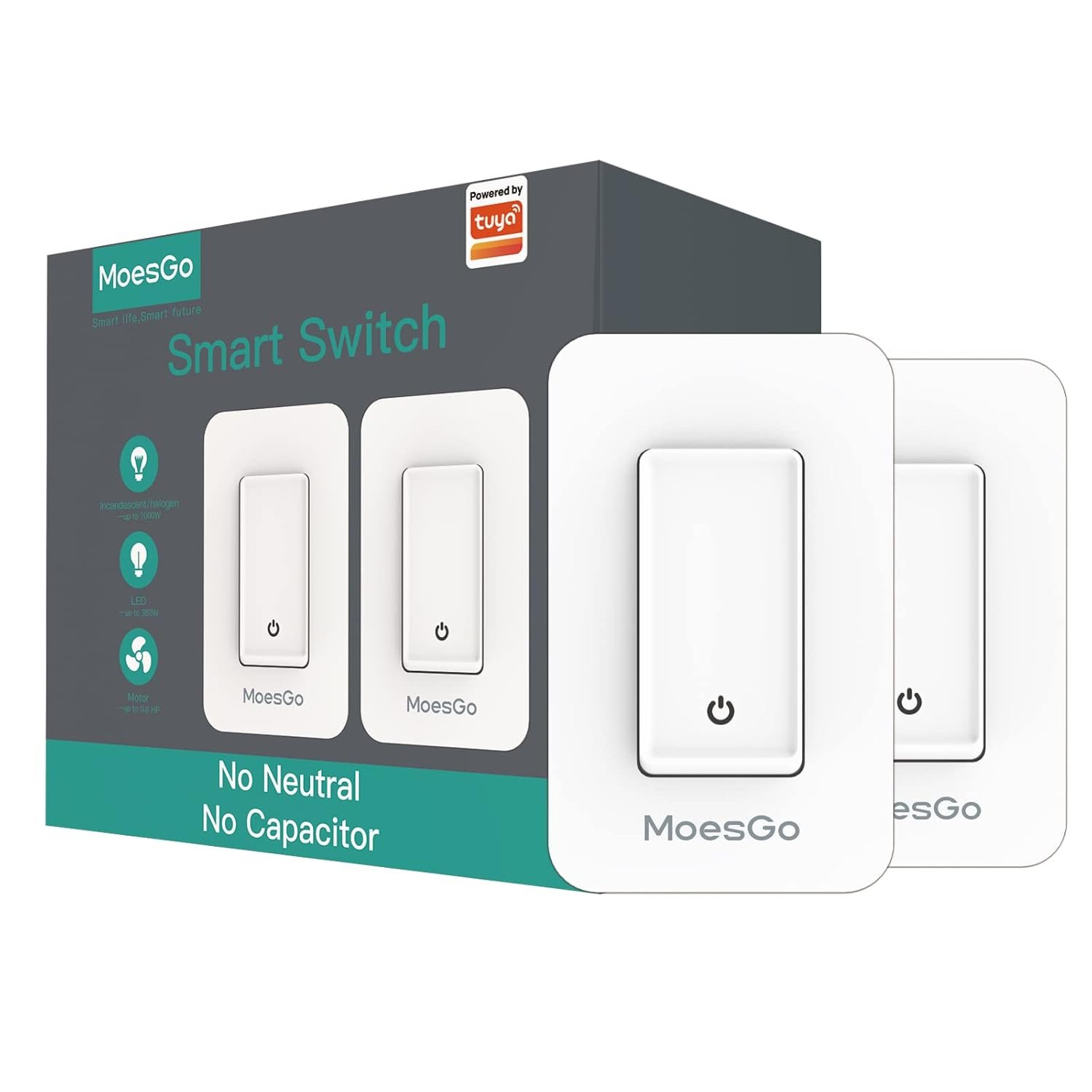
الفيش ثنائي ارجو الانتباه من الخيارات
Nikhil Jain –
Amazing product, delivered before time, properly packaged. Very easy to install and total control through an application.
Philobavly –
i thought to buy Wifi mesh to solve the dead spots issues behind concrete walls , well , this system didn’t solve it .i would say any other system that dose not support a wired back-haul connection will also not solve it .it has a premium build quality and very intelligent software and will work amazingly in open space , but if you have concrete walls in your home , don’t waste your money. the only solution is to buy a system where you can connect all the nodes with main unit through a wired connection .
Gláuber –
No inicio, o app pra iOS não queria funcionar. Passei quase 40 min até ele finalmente funcionar. A instalação é fácil e rápido. O mesh é rapido tbm… com apenas 2 eu consegui ter acesso à internet na casa toda, um apt de 110m2 com 3 quartos e varias paredes.