



Essential Outdoor Camera provides smart home security with crystal-clear 2K resolution. Zoom in 12x to see license plates and eye color in detail, perfect for home security. Get alerts and watch live video from your security camera on your phone. This wireless security camera lets you ward off intruders with the Integrated Spotlight, or with the Integrated Siren by triggering it automatically or manually from the Arlo Secure App. Identify details in low light with Color Night Vision and hear and speak clearly with visitors with noise-canceling audio. Set it up in minutes by connecting directly to Wi-Fi. Install these outdoor security cameras with full confidence thanks to their rechargeable battery and weather-resistant design. An Arlo Secure plan trial is included. After trial, a paid plan is required to keep premium features like 60-day video cloud storage, People, Package, Vehicle Detection, 24/7 Emergency Response, and more. This camera compatible with Arlo SmartHubs/BaseStations but is not yet compatible with Apple Home. This camera is for use in US only. However, you will be able to access and control your camera remotely from anywhere with the Arlo Secure App. Disclaimer: ¹Requires an Arlo Secure paid subscription after the trial period, and some Arlo Secure services may be unavailable in certain regions. For current information on features that need a paid subscription, visit arlo.com/arlosecure. ²Apple Home compatibility requires an Arlo SmartHub, sold separately.
Monitor your home, property & keep loves ones safe: Wireless security camera (2-Pack), crystal-clear 2K video, 2-Way Audio to talk & listen. Easy home monitoring—inside & out. Expandable system. Connects to 2.4GHz Wi-Fi.
Exceptional Indoor & Outdoor Wireless Camera (2 Cameras): Watch, listen & talk. Monitor your home, property & keep loved ones safe, 2K video quality. Complete home monitoring system, add additional cameras throughout your exterior & interior.
Arlo protects your everything. Including your privacy: At Arlo, we are as passionate about privacy as we are about safeguarding your home & family. Arlo is designed to keep your personal information private and in your control.
Don’t miss a moment with the Arlo Secure App: Get real-time notifications with motion activation & live video 2-Way Audio, streaming in the Arlo app. Remote siren activation, Color Night Vision & large Field of View (130 degrees) & Integrated Spotlight.
Get more with an Arlo Secure plan (paid plan required): Share & store video for up to 60 days, know more with personalized alerts for Person & Vehicle Recognition, plus get alerts for Packages, Animals, and Fire Detection.¹
Expert support at your fingertips: Access help through the Arlo app and connect with our community to learn and share. 24/7 chat support available via app or website. Product use & support for United States only.
Simple Wi-Fi Setup: Setup your camera(s) using 2.4GHz Wi-Fi connectivity. If you have a 5GHz network your router is most likely dual-band and will have a 2.4GHz network running too.
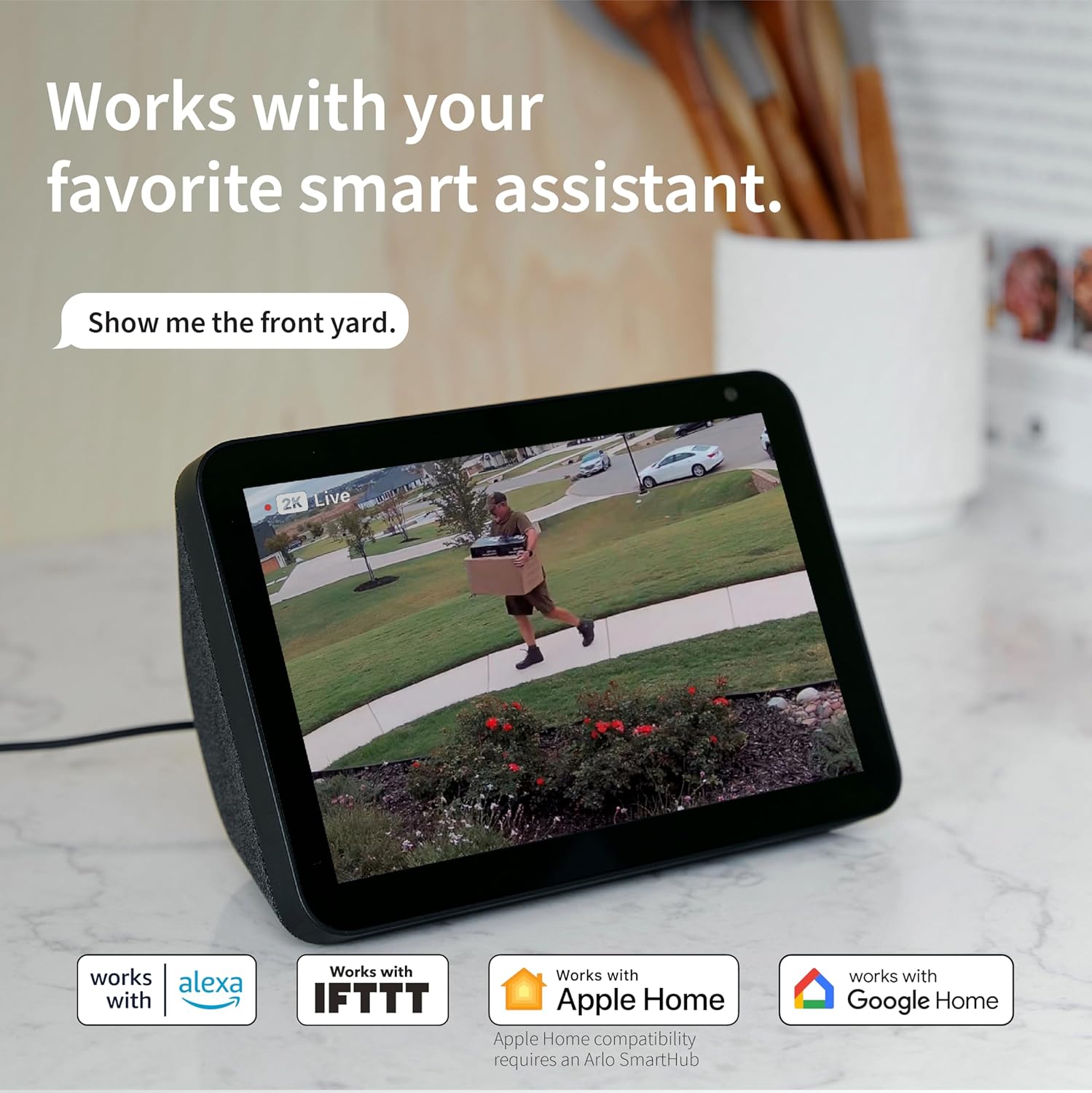
Connect with your favorite smart home partners: Works with Amazon Alexa & Google Home. Get more from Arlo with IFTTT automations such as receiving low battery notifications & turning on compatible lights when motion is detected.²

Amazon Echo Show 15 (newest model), Full HD 15.6" kitchen hub for home organization, with built-in Fire TV and Alexa+ Early Access
Original price was: $299.99.$254.99Current price is: $254.99.

Air Purifiers for Home Large Room up to 2200sq.ft, MOOKA Air purifier for Home Pets with Washable Filter, PM 2.5 Display Air Quality Sensor Air Cleaner for Bedroom, Dorm room, Pets, Office PR1 (White)
Original price was: $104.99.$21.99Current price is: $21.99.
-44%


Kelly Leyva –
Great quality, and very easy to use
These Arlo 2K cameras exceeded my expectations. The video quality is excellent, even at night thanks to the color night vision. Motion detection is fast and the notifications arrive almost instantly. I also appreciate that they are fully wireless, which makes installation super easy.
JM. –
Essential (with the SmartHub) is awesome if set up correctly.
Almost sent back!! These are excellent cameras “IF” set up correctly. Heads Up! Decide where you are going to mount them first. Then make sure you have the latest Arlo Secure App. Do each camera one at a time. When setting up the cameras on the app (have camera close to router) and when you get to the part of choosing your Internet Provider, choose,(Tap), your Provider, then TYPE in the Password for your ROUTER. Camera will recognize the Router and IT IS NOW PAIRED TO THE ROUTER. THIS STEP IS SO IMPORTANT. Then quickly go directly to where you are going to mount it and the camera will begin to start detecting the Router from where you are going to mount it. Once it goes GREEN for reading the Router (where you are mounting it) you are set – It Will Work. The camera and Router now know where each other are. We went thru 5 days of hell before we realized cameras were not reading or connected to the ROUTER. We clicked the 3 dots in the upper right hand corner on the app and clicked the minus mark for all 3 cameras (deleting them) and started all over. Now they are excellent. #1 camera is 50 ft from Router, #2 camera is 100ft from Router, and #3 camera is 200ft from Router all of them mounted outside and all of them working perfectly. We bought the black bird house covers for them and the black mounting brackets that they screw onto and they work amazingly. We also bought the SmartHub so it saves 5 days of videos without a subscription. We also have the original Arlo Pro (5 of them) and the Base Station all connected to the Router. And An Arlo Spotlight and Bridge for it. The Arlo Pros and the Essentials do not conflict with each other. Everything works Great. Good Luck
Mister Anonymous –
There is a software issue that can brick these cameras…
There is some combination of settings I use in their app that will brick these cameras permanently with no ability to factory reset. I haven’t figured out which combination of settings it is, but it seems that it might just be safer to keep the cameras at their out-of-the-box settings if you want to avoid bricking the product. This is garbage coding by the manufacturer. It’s easy enough to return a new one, but you are out of luck (and money) if you brick an older one. Pretty cool business model to place a trap door in your firmware code that forces people to buy your product again.EDIT: figured out the trick to re-syncing these when you get stuck with the blue light long flash. What’s happening is that when you have gone into the app and removed the camera, it can no longer connect to your wi-fi. The issue is that it is STILL creating and trying to upload recordings nonetheless. When you go to perform the reset and reconnect steps they wont work because you are handling the camera and generating new recordings by creating motion. The trick is to: 1. Make sure the camera is fully charged. 2. Set the camera on a shelf in a well-lit room, facing a static scene like a wall or at objects that will have no motion from things like shadows, movement or lights being turned on/off. Leave it here for whatever amount of time it needs to complete trying to record/upload. Wait until the long blue light flash stops plus some time for good measure. 3. Press the pair button on the camera for 3 seconds but do so while holding the camera perfectly still and not generating a shadow in the view of the camera – all of this while facing the static scene you created. This should give you the fast blue light flash we need. 4. start the “add device” process in the app. 5. the add device process will tell you this device has been previously paired and needs to be reset. 6. press the pair button on the camera again, this time for 15-20 seconds (or until you see an amber light flashing) – again, hold the camera perfectly still. 7. Wait until the amber light stops flashing, then press the pair button again to get the fast blue light flash. 8. tell the app to attempt to connect to the device again. This time the app should find the camera. 9. in my case, the app froze when attempting to name the camera. If this happens, close/terminate the app. Re-open the app and go into the settings for the camera you just successfully added. It will have an error message that “onboarding must be completed”, click that and complete the rest of the setup if necessary.What a farce. This company needs to fire their developers and bring on new people to improve this code/logic.
Tori and Bambino –
Great bundle!
This bundle from Arlo is such a great value! I already owned an Arlo Essential indoor camera and was very happy with it, so I decided this bundle would be perfect for monitoring the rest of my home. All of the cameras are very easy to set up and the app is easy to navigate.The indoor camera is small and can be placed anywhere. You can adjust the angle to fit your needs and I love the privacy screen. I only like to use my indoor camera when I am not at home, so rather than having to completely turn off the camera I can just close the security screen and not have to worry about getting notifications every time someone moves in the room or feel like we are being watched all the time.The video and audio quality are really great on the door bell camera. You can adjust the sensitivity of the motion detection. The battery life is pretty good, it was about 2 months after set up when I needed to recharge it.The video quality on the outdoor camera is fantastic day and night. It’s storm season where I live and I was concerned about how this camera would withstand the heavy rains and I am happy to report that it is still doing great!If you are looking for an easy quality home security set this one is fantastic!
Edilberto –
Good, dependable camera with a few caveats
The Arlo Essential 2K delivers crisp, clear video (up to 2560×1440) and a wide 130° field of view — detail is generally sharp during the day, and its color night vision + built-in spotlight help a lot for nighttime monitoring.  Setup was straightforward, and I appreciated how easy it was to mount and run without wiring, making it flexible for indoor or outdoor use.  Two-way audio and motion alerts round out the package nicely for basic home monitoring. The main downside: without a subscription plan, there’s no cloud storage — so recorded video may not be accessible. Battery life is generally decent (a few months under light-to-moderate use), but frequent motion detection or spotlight use can shorten it.
Nikki Parica –
Arlo cameras are good and very reliable. It’s internet connection does not get disconnected easily.
Mayadah –
It’s a bit slow sometimes but love it so far
Sean –
Camera’s were great for the first 3 months, after the first time they needed recharging however, we’re lucky to get 2-3 weeks of charge out of them before they go flat again!!
Amazon Customer –
Took 3 weeks to get to me 2 weeks longer than anticipated and previous Arlo order and I my car as broken into infront of where the camera was due to be positioned 2 days before I got it